In this tutorial, we'll be using FlashXP to set permissions for files and directories.
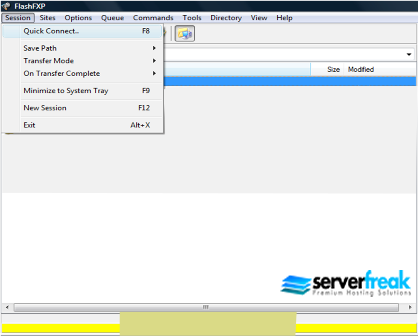
First, open up FlashXP. Select the menu “Session” and click on “Quick Connect”.
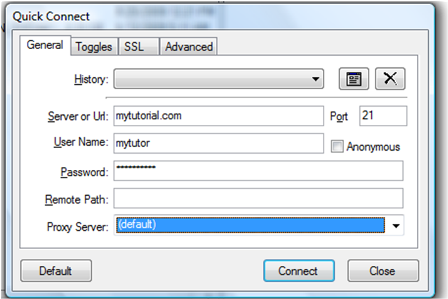
Next, enter your hosting account details as shown below. Make sure
the port is set to 21. Once done, press the “Connect” button.
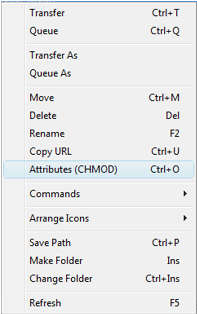
To start editing CHMOD, highlight the target directory or file by right clicking it and choose "Attributes (CHMOD)".
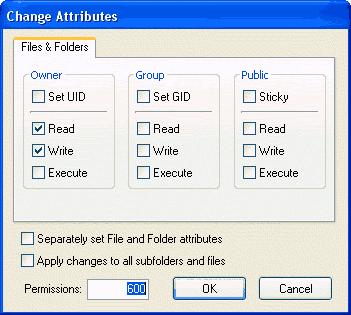
Enter your CHMOD values under "Permissions". 644=folders and 755=files. Press "OK" to finalize your changes.