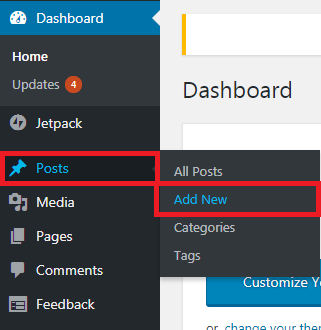
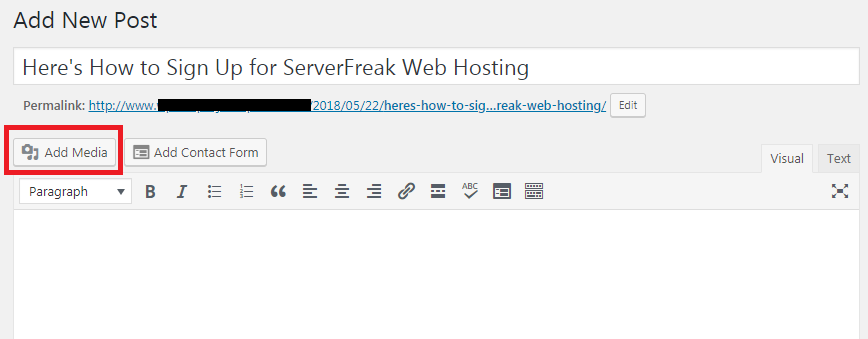
1) Login to your Wordpress Admin. Click on "Post" then "Add New".
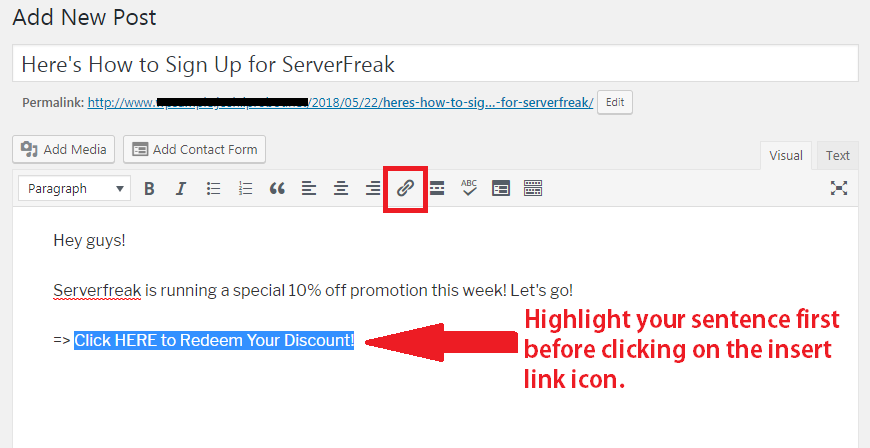
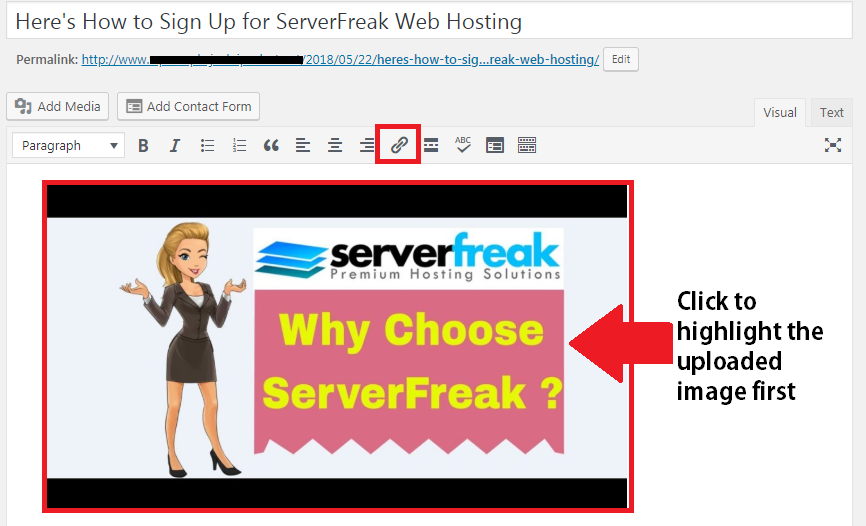
2) Enter your blog post. Highlight the sentence where you want to insert your own affiliate link and then click on the "link icon".
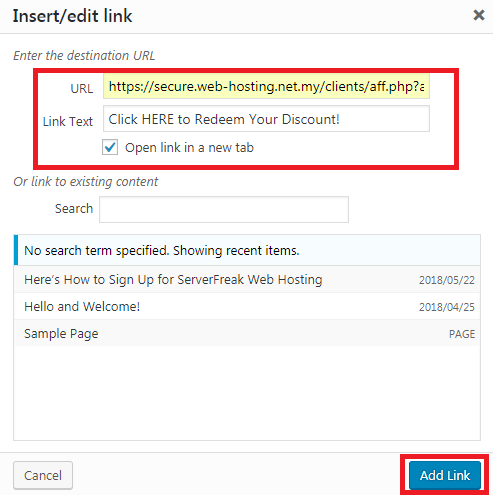
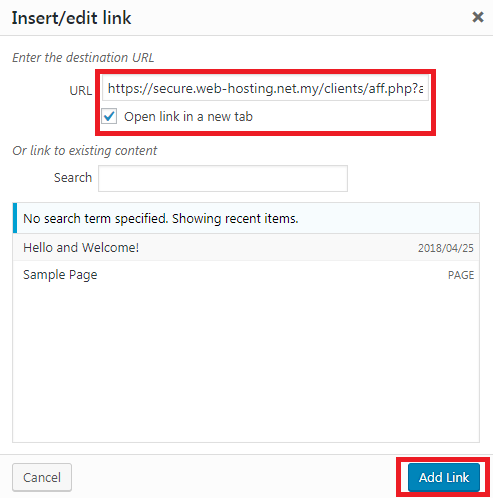
3) Insert your full affiliate link inside URL. Tick " Open link in a new tab" as highlighted. Once done, click on "Add Link".
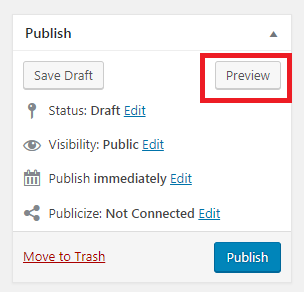
4) Click on "Preview" to check whether your link is active. A new window will direct you to your new blog post. Check whether clicking on your blog post link will redirect you to our official site.
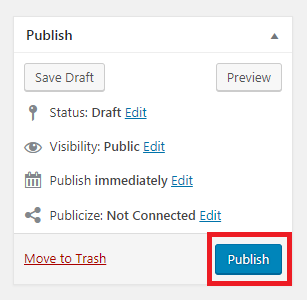
5) If redirection to Serverfreak main site is successful, then close the preview window and select "Publish".
6) Now you should be able to see "Post Published. View Post". Click on the link to see your new post.